Displaying a Map
Obtaining a Managed Map
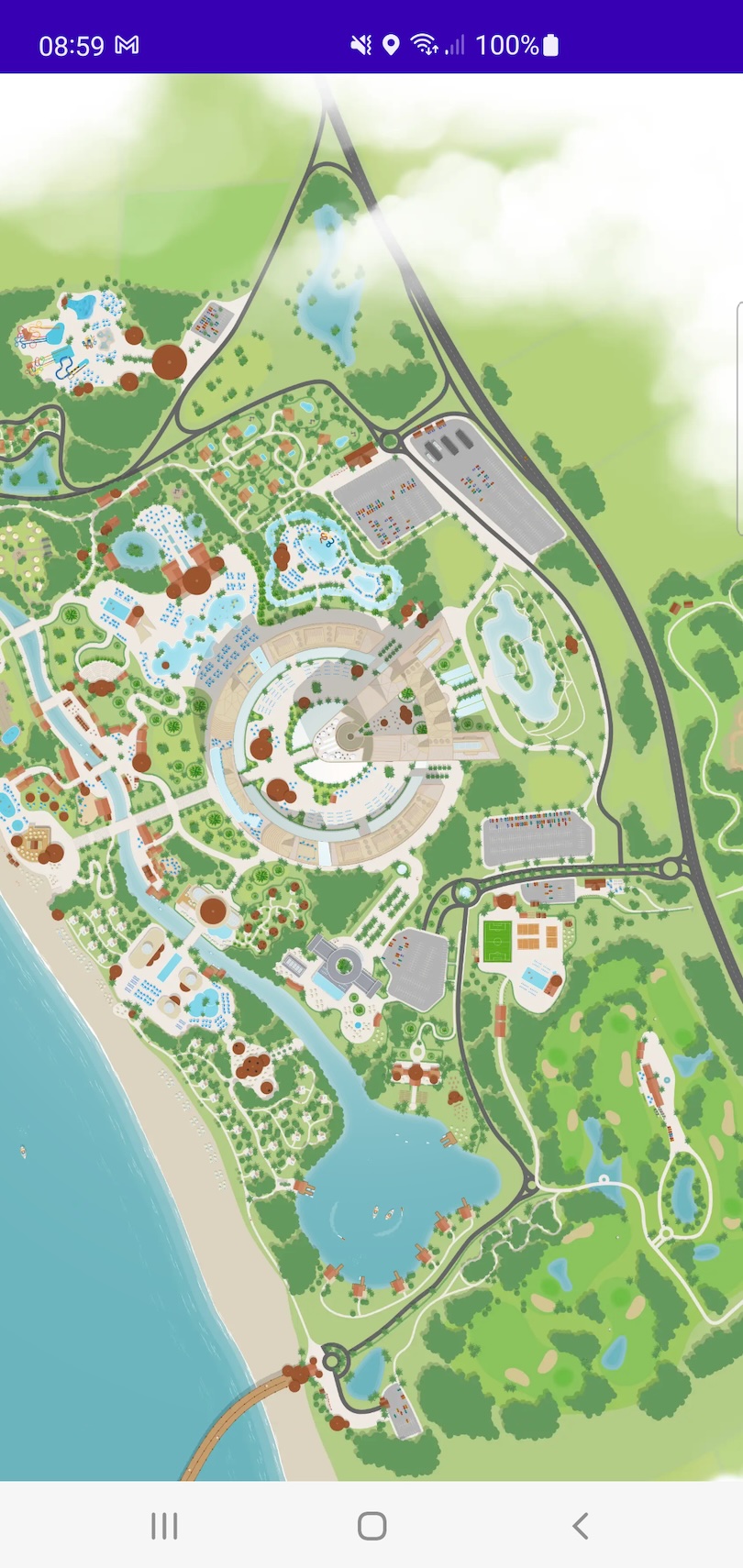
In MapLayr, a Map represents your venue's unique map, and includes information about its appearance, camera bounds, routes and buildings, etc.
You can use the static Map.managed(mapId = "{map_id}") method to obtain a Managed instance, meaning that the map is managed by the SDK and will automatically receive updates as they're made available.
If you have bundled your maps at build time you can use the BuildConfig to retrieve the map id as described here: Bundle maps at build time. For example:
An example can be found here: ExtendedSampleActivity.kt
Runtime maps
Maps do not need to be bundled at build time and can be downloaded at runtime by using the same API as above. If the Managed instance is assigned to a MapView (see below) it will display a black view until the map is available.
You can identify when the map is available by observing the mapVersionResult property on the Managed instance. It's MapVersionResult.Available once the map is available, and otherwise a MapVersionResult.Unavailable saying why it isn't: Loading, Unauthorized, or Failed when the map couldn't be downloaded, for example because the user is offline.
An example can be found here: NotBundledSampleActivity.kt
Map View
MapLayr provides the class MapView, a subclass of View. It can be configured with a Managed instance, which can be obtained via the steps above.
To have the MapView display your map simply call the setMap function with your Managed instance as so:
An example can be found here: ExtendedSampleActivity.kt